Remove Metadata From Photo: Metadata

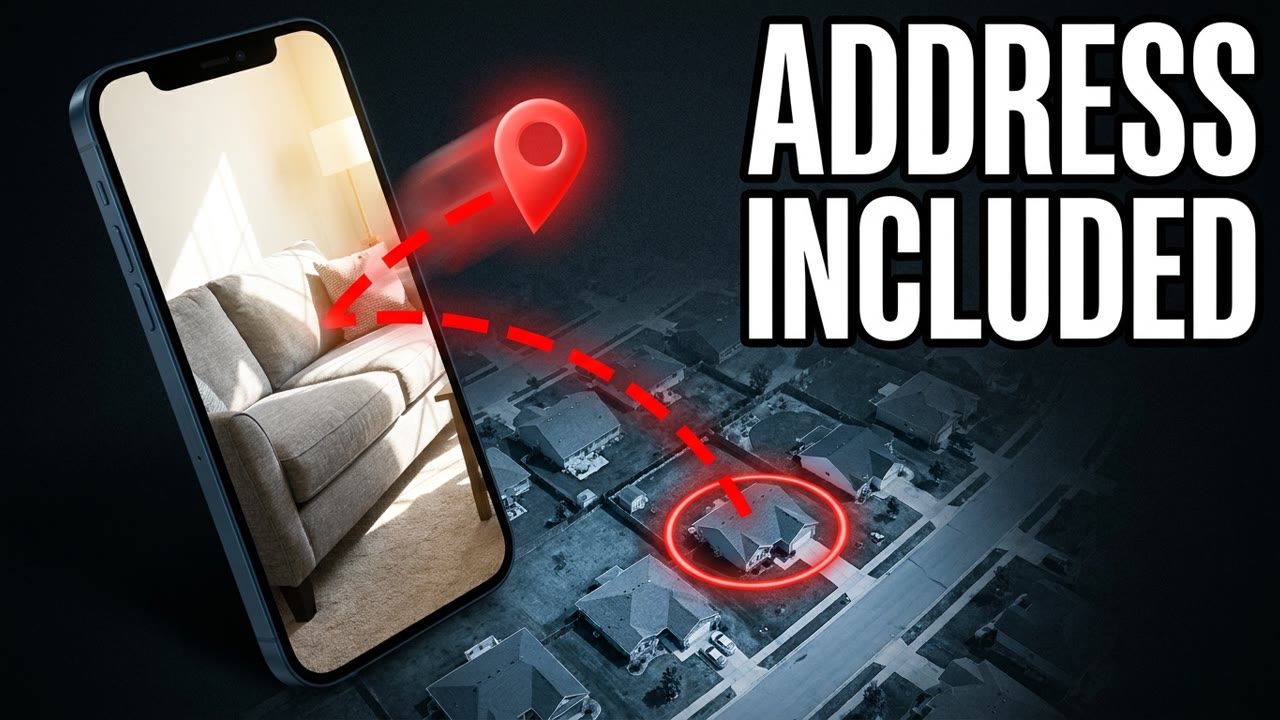
That photo of your couch can show people your address. Your phone saves where you were standing when you took it. It does that when you have location turned on for your camera. In 2012, a magazine posted a photo online. That photo gave away where the fugitive John McAfee was. After tonight, your next photo won't give you away. Does a stranger know your address tonight?
The police in Belize wanted to question McAfee about a murder. Vice posted his photo on December 3, 2012. 2 days later, Guatemala arrested McAfee for illegal entry.
The journalist took that photo on an iPhone. Anyone who opened the photo could still see McAfee's GPS location. They could see he was at a resort in Guatemala. McAfee never even posted that photo himself.
PicDefense says that location is only off by a few meters. Someone could find your front door with that.
Let's say you send a buyer a photo of your couch. That buyer could see where you live. So why didn't turning off location in your apps stop that?
Your camera hides little notes inside every photo you take.
Your photos also keep the date and time you took them. Let's say you snap a photo at your door at 7:40 every weekday. A stranger can learn when nobody's home.
Most people don't even know these notes are in their photos. And most never clean them out before they post.
Anyone reading those notes can even see which phone you were holding. They can see your lens and your shutter settings too. If location's on, they can see where you stood.
Stalkers have tracked down victims' homes this way. A survivor's photo could show people where her shelter is.
If this helps, a like and a subscribe help us keep it coming.
You'd think deleting your post would fix this. But that buyer might already have saved your photo.
People try 3 quick fixes on their photos. They crop it, rename it, or take a screenshot of it. When you rename your photo, every note is still inside it. None of those fixes erase every note.
Your photos can carry 3 kinds of notes. One kind says who owns the photo, and another keeps track of edits. Your camera can save your location in notes called EXIF.
You send photos to buyers and to landlords. And nobody has to hack anything to read those notes.
Let's say you cropped your house number out of a photo. Your photo can still keep a tiny copy that isn't cropped.
Big apps hide your notes from the other people on the app. But an arXiv paper says those apps can keep the notes anyway. If the apps' copies leak, hackers could see where everyone was.
You turned location off in your apps. That only changes what those apps get to see. But your camera already saved where you were, right inside the photo. You can only keep it from being saved in camera settings.
Never send a stranger a photo that has your location in it. Make a copy and take the location out, every time.
On an iPhone, tap Share, then Options, then turn Location off. On a Mac, open the photo in Preview and use Remove Location Info. On Windows, use Remove Properties and Personal Information.
You choose whether your phone saves where you are. Then you choose who gets to see it.
You take the picture, and your camera writes the notes. Then you make a copy of the photo. You clear the notes out of that copy. Your picture itself looks exactly the same.
CaraComp's write-up shows you every step for each device. Skip any website that wants you to upload your photo first.
Cara Candelario's team studies how faces get matched up. She says your face is only one clue. The location in your photo is often what points to your street.
Clean every photo you send to a buyer. Do the same for landlords and for strangers on forums. And check any cropped photo before you share it.
Cleaning a photo takes you about 10 seconds. You don't need a download or any special skill. The hard part is just knowing the notes are there.
Your app settings never cleaned your photos. You're right to worry, and you can fix it.
Open your phone's settings tonight. Turn off location for the camera itself. Then your new photos won't save where you are.
Your next couch photo could show people where you live. Clean it tonight, before you hit send.
Every day we take one story like this and make it simple. Subscribe and tap the bell. Tomorrow's is free too. See you in today's briefing. If this helps, a like and a subscribe help us keep it coming.