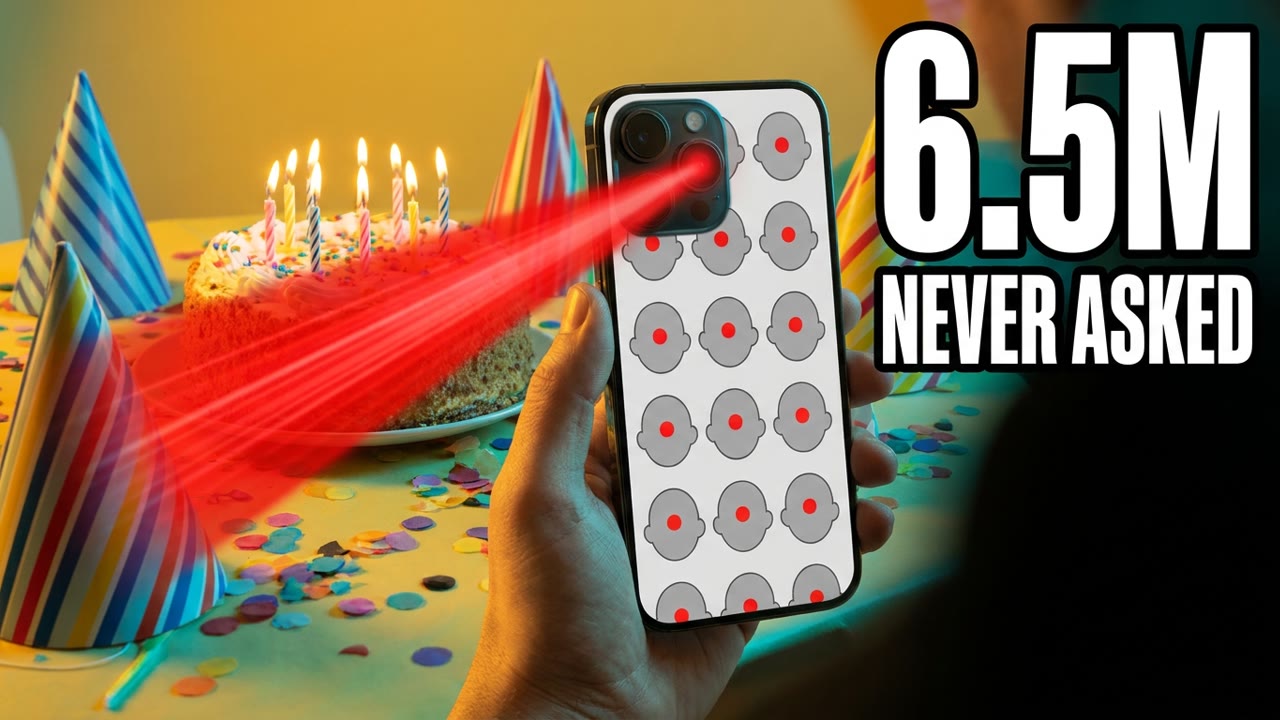
Facial Recognition iPhone: Apple Face
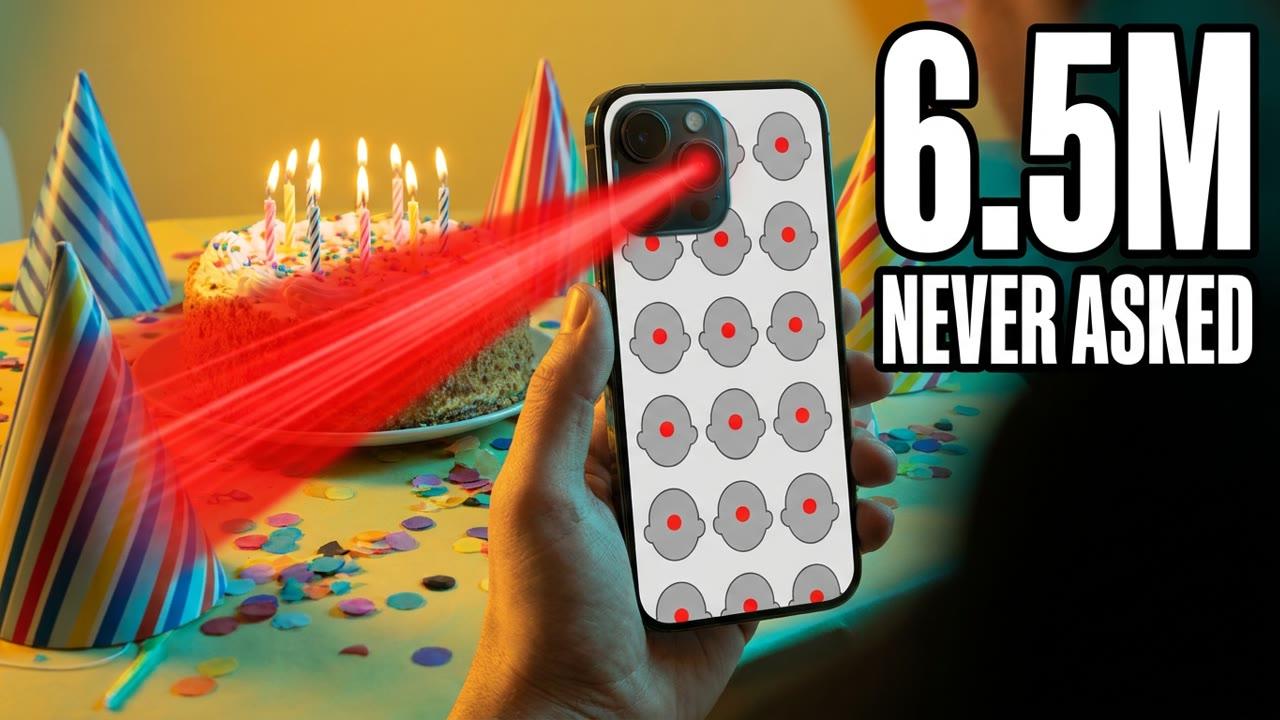
Your camera roll is full of faces you love. Your iPhone turns every face it finds into numbers. Then your phone sorts those numbers by person. Nobody has to type a name first. That face list covers everyone you've ever photographed. By the end, you'll know whose faces your phone keeps. Whose faces is your phone sorting tonight?
Your iPhone runs 2 different face systems. Most people only know about one.
First, Photos finds a face in a picture. Then it turns that face into a list of numbers. Your phone keeps that list to check your next photo.
Your phone groups look-alike lists into one person. Grandma gets an album before you name her.
You bought the phone, so maybe you agreed. Your mom and your boss never did. They never even saw a question.
In Illinois, the law wants written consent first.
An Illinois lawsuit claims Apple never got that consent. On June 5, 2026, a judge made it a class action. A September 30 ruling trimmed the case, but it continues.
The lawsuit claims users never agreed to it. No court has said Apple did wrong.
Your People album draws on every photo. Your coworkers and neighbors get sorted too. Even the stranger in your vacation photo gets sorted.
Your cousin's wedding photos may hold you, too. How many phones have sorted your face?
If this helps, a like and a subscribe help us keep it coming.
Your own phone is the only one you control. Your cousin's phone is not yours to check.
A single photo gives 1 look at a face. A video at 30 frames a second gives 30 each second. We found no report on how Photos treats video. Your party videos are an open question.
A 10 second clip holds 300 pictures. That's hundreds of looks at one person. A birthday video can hold more faces than an album.
You send one group photo to the family chat. That photo hands every face in it along.
You can change a password in a minute. You can never change your face.
Apple tells the world this work stays on your phone. That promise is why many people never ask. Your mom still never got asked.
You agreed to Face ID at setup. You turned your head in a slow circle. The lawsuit says the People album never asked. Private tells you where, never who agreed.
Tonight, see whose faces your People album holds. Then cut every app that sees all your photos.
Open your People album and see who's there. Check the Photos part of Settings for face options. Cut photo access for apps that don't need it.
Face ID checks only the face you set up. Your People album sorts every face you photograph.
You snap a photo at dinner. Photos finds each face at the table. Your phone checks each face against its kept lists. Your People albums grow with every photo.
The CaraComp write up goes deeper on both face systems. That page lays out both systems side by side.
Cara Candelario says mixing them up isn't your fault. The names were never made clear. You weren't careless to miss it.
Think twice before sharing group photos of children. Tell your family how the People album works. If you live in Illinois, trust only official court notices.
The whole check takes about 5 minutes. You can do it before bed. Your family's faces are worth 5 minutes.
Your phone never needed anyone's yes to sort faces. Now you know exactly where to look.
Tonight, scroll your People album face by face. Then check Photos in Settings for face options. Last, cut photo access for apps you don't trust.
Every new photo adds faces to those albums. Check your People album before your next photo.
Every day we take one story like this and make it simple. Subscribe and tap the bell. Tomorrow's is free too. See you in today's briefing. If this helps, a like and a subscribe help us keep it coming.