
Biometric Login Authentication Scam Hijacks Biometrics Setup
Quick answer
How does a passkey setup scam work on Microsoft 365 accounts?
A caller posing as IT support persuades you to register a passkey on a fake page, so the attacker's own device becomes an approved sign-in method. No password is needed afterward, and the account shows no obvious alarm. Start any passkey setup yourself from your official account settings, never from a link or a phone call.
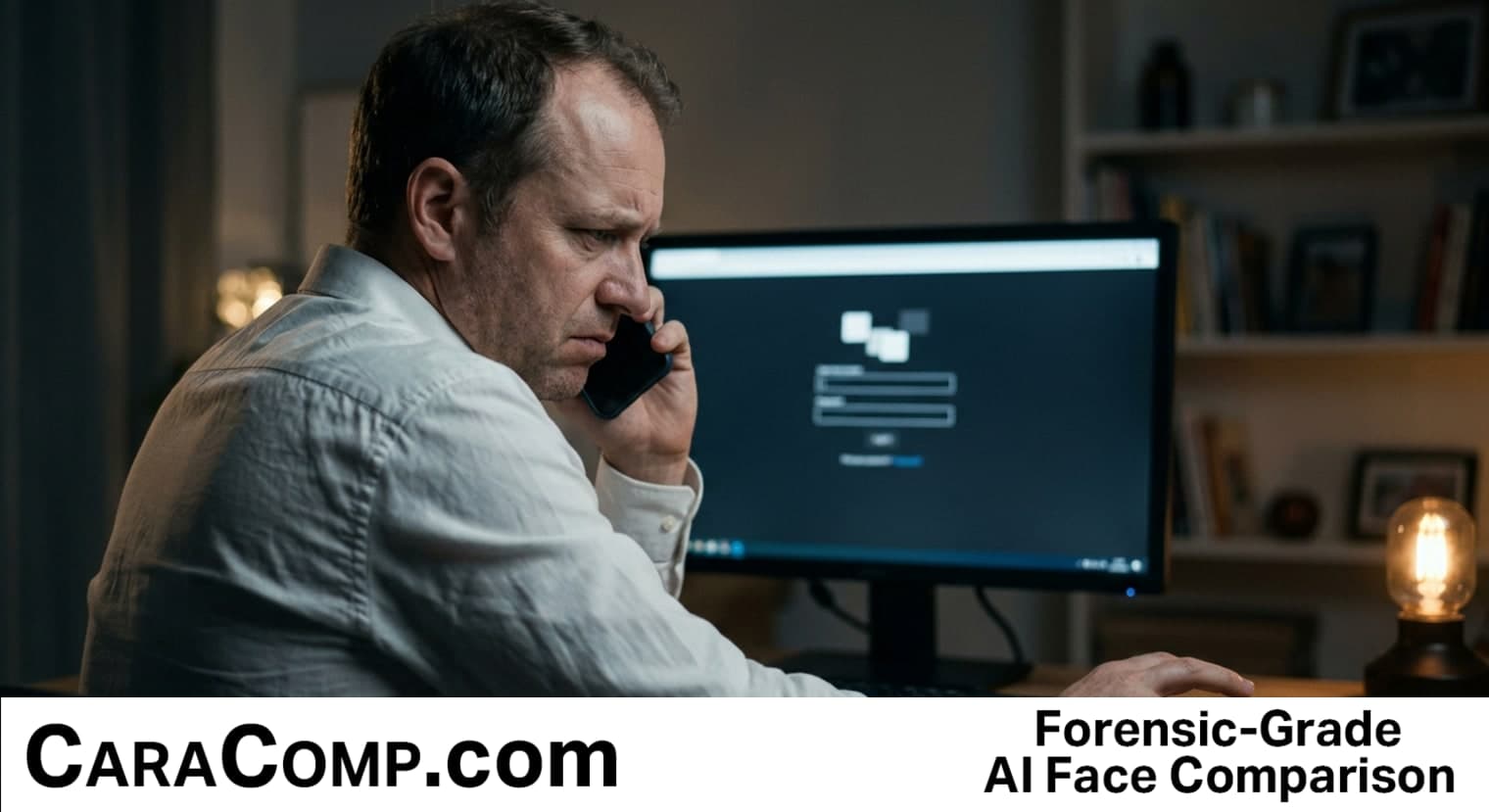
Picture this: your phone buzzes. It's a call from someone claiming to be your company's IT department. They sound calm, professional, maybe even a little bored, like they've made this call fifty times today. "We're upgrading everyone to passkeys," they say. "It's more secure than your password. Takes two minutes." You believe them. Why wouldn't you? It sounds exactly like the kind of email your real IT team has sent before.
TL;DR: Biometric login and passkeys are supposed to make you safer, but a new scam tricks people into enrolling a fake one, and once it's set up, the attacker doesn't need your password at all, they just walk right in.
Here's the part that should stop you cold: this isn't a story about someone's password getting stolen. It's a story about someone getting talked into installing the criminal's key on their own front door, and then thanking them for it. Microsoft's security researchers have been tracking this activity since May 2026, and it's not a glitch or a one-off. It's a pattern, and it's working. This kind of biometric authentication abuse relies less on breaking security and more on borrowing your trust in it, which is exactly why authentication methods built around a one-time enrollment step deserve just as much scrutiny as the login itself.
What biometric authentication scams actually look like right now
So what does biometric login even mean in this story? It's the newer way of signing in with your face, your fingerprint, or a "passkey" (basically a digital key stored on your phone or computer that proves it's really you, without you typing a password). Companies love it because passwords get stolen constantly, and a passkey is supposed to be harder to fake. That part is true. The problem is the moment right before the passkey exists, when someone is walking you through setting it up for the first time.
Starts at 00:55 — this story
Watch this story, in under a minute
A new briefing every weekday — three stories, three minutes.
Subscribe on YouTubeAccording to the researcher's review of Microsoft's findings and outside reporting, the scam works like a real live phone call, not just a spam email. An attacker calls, poses as internal IT support, and tells the employee their account needs a "security upgrade." They send a link. The link often points to a fake site with the victim's real company name baked into the address, something like a subdomain that reads "companyname-dot-add-passkey-dot-com," which looks convincing if you're glancing at it on your phone at your desk. Once you land there, the fake page mimics whatever your real sign-in screen usually asks for, whether that's a text code, an authenticator app prompt, or a push notification. The attacker adapts their fake screen in real time, depending on what you tell them. Some of these fake screens even borrow the visual language of facial recognition prompts, which makes the request feel routine rather than risky.
And here's the sting: once that fraudulent passkey is registered, the attacker has a standing, long-term way into your Microsoft 365 account (that's the version of Outlook, OneDrive, SharePoint, and Teams your company probably pays for). No alarms go off. No "new device logged in" email that feels alarming, because from the system's point of view, this IS the correct, expected new device. Attackers have been documented searching company cloud files, downloading data off SharePoint and OneDrive, and in some cases pulling email straight out of Exchange Online. This article is part of a series, start with Age Verification Roblox 31 Lawsuits Test Section 230.
Why biometric authentication enrollment and identification become the new target for account takeover
This is the uncomfortable truth nobody selling you "passwordless security" wants to lead with. Passkeys, on their own, really are harder to phish than passwords. That part of the pitch isn't hype. The catch is that the moment of highest risk didn't disappear when passwords did, it just moved. It moved from the login screen to the enrollment screen, the one-time setup moment when you're proving who you are for the very first time. And weirdly, almost nobody was watching that door as closely as the one at login. Real security here depends on the strength of the authentication step itself, not just the promise of a shinier login method.
"The passkey in this campaign is the lure, not the weakness. The MFA that got bypassed was phishable. Real passkeys would have stopped it." threat analyst, as reported by Biometric Update
That quote matters because it draws a line most headlines blur. The cryptography behind FIDO2 passkeys (the technical standard behind most passkey systems) is not what broke here. What broke is the human moment before any cryptography got involved, when a stressed, busy employee trusted a voice on the phone that sounded exactly like the IT guy who fixed their printer last month. Authority bias is the term psychologists use for this: we're wired to comply faster with anyone who sounds official, especially when they claim to be protecting us. Scammers know this better than most cybersecurity vendors do. Weak MFA, not strong authentication, is the actual failure point in nearly every case researchers have reviewed.
Why fake biometric authentication setup tactics work so well on regular employees
- 📞 It's a live human, not a robocalla real person walks you through each step, adjusting the fake screen based on your answers, which feels more trustworthy than an automated message ever could
- 🔗 The fake domain hides your company's name in ita URL like "yourcompany.add-passkey.com" passes the "does this look right" glance test most people give a link before clicking
- ⏱️ It borrows real urgency from real IT rolloutsMicrosoft has actually been pushing companies toward passwordless sign-in, so the request sounds routine, not suspicious
- 🔓 Once enrolled, there's no obvious alarmthe attacker's device now looks like a normal, approved sign-in method, so nothing about the account "looks" hacked
Is passkey setup scam activity different from regular phishing emails
Yes, and that's what makes it dangerous. Regular phishing tries to steal something you already have, like a password. This scam convinces you to create something brand new, a fresh sign-in method, and hand the controls to a stranger. It's less like someone stealing your house key and more like you personally cutting them a copy and leaving it under the mat. A mobile biometrics setup done the right way, from your own device, avoids this trap entirely.
Old login theft versus the new biometric authentication enrollment trap
| Old-style credential theft | Passkey enrollment scam |
|---|---|
| Steals a password you already had | Convinces you to create a brand-new sign-in method for the attacker |
| Often triggers a "new device" or "suspicious login" alert | Looks like a normal, approved biometric login, so it raises no immediate alarm |
| Fake link usually points to an obviously odd domain | Fake link buries your real company name inside the domain, like a fraudulent subdomain |
| Attack usually needs the password every single time | Once enrolled, the passkey gives long-term, repeatable access with no password needed, bypassing normal authentication checks |
| Delivered mostly by email | Delivered by live phone calls impersonating IT support, adapting in real time, sometimes referencing a biometric reader or face authentication step to sound legitimate |
What CaraComp wants you to actually do about this security risk
Okay, deep breath. If you've ever wondered whether the person on the phone claiming to be "IT" really is who they say, that's the exact worry this whole story is built around, and it's a fair one to have. Here's the one useful thing to actually do with that worry: never set up a new passkey, fingerprint, or face login from a link someone sends you, texts you, or reads to you over the phone. Full stop. If your real IT department wants you on passkeys, you should be able to walk over to your own account settings, on your own, typed-in-by-you address bar, and set it up from there yourself. If a message says "click here to upgrade your security," the safest move is to not click, hang up, and call your IT department back using a number you already had saved, not one they just gave you. This one habit alone keeps your account genuinely secure without adding any real friction to your day.
Biometric login is genuinely safer than a password, but only when YOU start the setup from your own official account page, never enroll a new sign-in method from an unexpected link, no matter how official the caller sounds. Previously in this series: Medical Identity Theft 210 Hours To Fix A Wrong Chart Podcas.
How companies are responding to the biometric login and authentication scam wave
Microsoft's own researchers are the ones who surfaced this pattern, which tells you something. Big platforms pushing everyone toward passwordless sign-in now have to also defend the exact moment they're encouraging people to rush into. Outside coverage from Okta's threat intelligence team has dug into the technical machinery behind these attacks, describing the vishing (voice phishing, basically phone-call scams) campaigns and the phishing kits attackers use to run fake enrollment panels in real time, including some that exploit liveness detection prompts to make a fake camera check look convincing. The Hacker News has separately covered the infrastructure behind related fake Microsoft Entra enrollment pages and the leak sites tied to some of this activity, along with fingerprint authentication panels used to trick Android users specifically.
Look, nobody's saying passkeys are a bad idea. They're not. But every time an industry rolls out a "safer" replacement for something old, there's a window where the new thing gets treated as automatically trustworthy, and that window is exactly where criminals go shopping. We saw it with chip-and-pin credit cards. We saw it with two-factor text codes. Now it's biometric login and passkey enrollment, and the lesson is the same every time: the tool isn't the weak point, the moment you set it up without checking is. Strong security starts with treating every enrollment form as carefully as you'd treat a real login.
If someone called your desk right now, said they were from IT, and asked you to "upgrade your sign-in security" in the next ten minutes, would you actually stop and check, or would you just click, because it sounded official and you had four other things going on? That ten-minute window, the one between the phone ringing and you making a decision, is the entire battlefield now. Everything else, the cryptography, the corporate policy, the security training video you clicked through in five minutes flat, none of it matters if you don't pause in that window.
biometric login: Frequently Asked Questions
What is a passkey setup scam and how does it target biometric authentication?
A passkey setup scam is when a criminal poses as IT support, often over a live phone call, and convinces you to enroll fake biometric authenticators or a biometric login method on your account. Instead of stealing a password, they trick you into creating a brand-new authentication method that they control, using social engineering instead of breaking any actual security, which then gives them long-term access to your account without triggering normal alerts.
What is a fake login request and how does it abuse authentication methods?
A fake login request usually arrives as an unexpected email, text, or phone call urging you to click a link and "verify" or "upgrade" your account. Warning signs include urgency, a link with your company's name buried inside an unusual domain, and a request to enroll a new authentication method rather than simply logging in. The safest response is to close the message and go directly to your account settings yourself. Up next: Age Verification Roblox 31 Lawsuits Test Section 230 Podcast.
Can a fraudster really bypass biometric login without stealing my actual face or fingerprint?
Yes. The attacker doesn't need your real fingerprint or face at all. They just need you to enroll their device as an approved authentication method during a fake setup process, sometimes using a spoofed biometric reader prompt to sell the illusion. Once that fraudulent method is registered, it functions like a real biometric login for the attacker's own phone or authenticator app, letting them sign in repeatedly without ever touching your actual biometric data.
Why don't security systems catch fraudulent passkey enrollment automatically?
Because from the system's perspective, a newly enrolled passkey looks like an authorized, expected authentication method, not a break-in. Most account security is built to flag unusual logins, not unusual enrollments, and identification checks at setup time are often weaker than the checks used afterward. That blind spot is exactly what this scam exploits, since the fraud happens at setup, before any suspicious login pattern would ever appear.
Does using biometric login make my Microsoft 365 account completely safe from phishing?
No single method makes an account completely safe. Biometric login, facial recognition, and passkeys are genuinely more phishing-resistant than passwords once they're properly set up by you, on your own device, through official settings and a legitimate form. But the enrollment process itself can still be manipulated through social engineering, so the account is only as secure as the judgment used during that one-time setup moment.
What should I do if I think I already fell for a passkey setup scam?
Contact your company's actual IT or security team immediately using a number or address you already had on file, not one from the suspicious message. Ask them to review your account's registered authentication methods and remove anything you didn't personally set up, including any biometric reader or mobile biometrics entry you don't recognize. Also check for unfamiliar activity in email, OneDrive, or SharePoint, since attackers in these campaigns have been known to search and download files quickly after gaining access.
Ready for forensic-grade facial comparison?
Full forensic reports with detailed similarity scoring. Results in seconds.
Run My First SearchMore News
App Store Age Verification: 3 Questions on Storage Duration
A child-safety check can turn into an adult privacy question: who gets your age information, and for how long? Here are three questions to ask before you tap "agree."
facial-recognitionFacial recognition: Home Office Admits Risk of Wrong Matches
Britain plans to use facial recognition for immigration control. If the computer matches you to the wrong face, who checks its work, and how fast?
digital-forensicsDeepfake Scams: 1 in 5 in Hong Kong Trust Banks to Stop Them
Only about 1 in 5 people in Hong Kong trust their banks to stop a deepfake scam. A familiar voice isn't proof, so hang up and call back on a number you already know.